Sanya Kuruvilla
Sanya writes about the file. On this site that means the Bingo 101 download page — which button hands over what, how large it is, and what Android asks before it lets the app in.
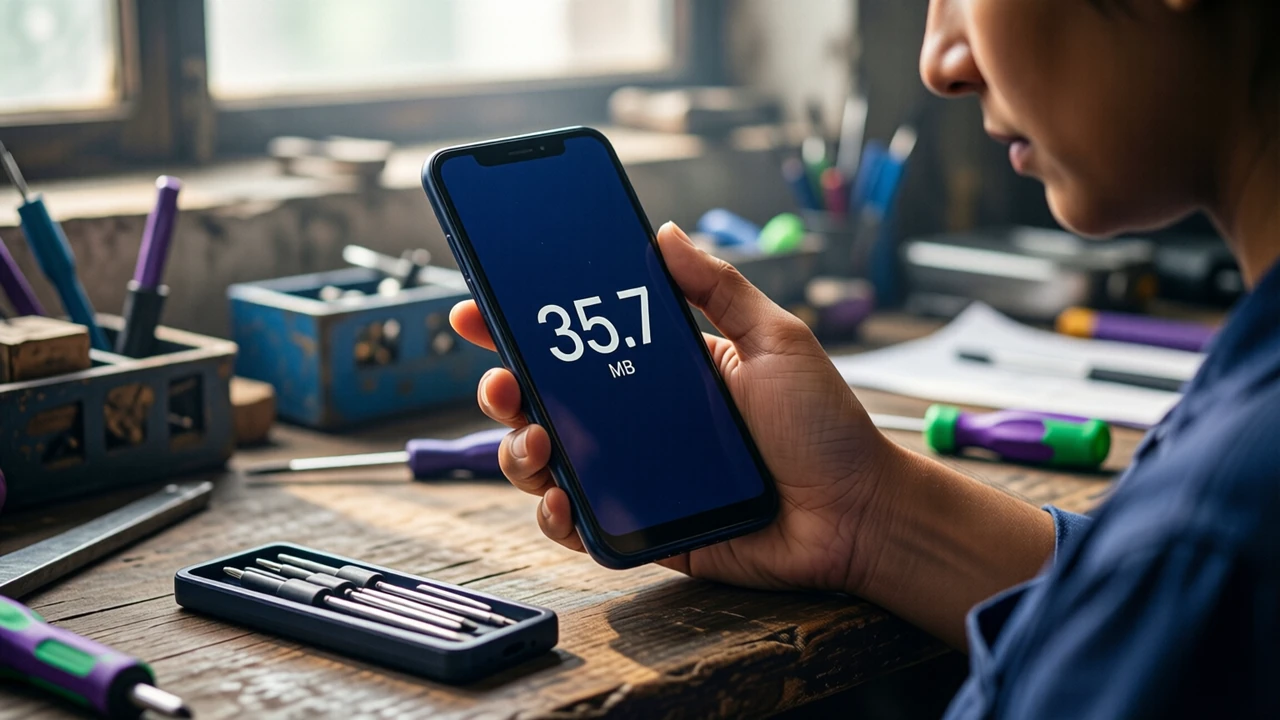
Bingo 101 APK for Android
The beat
Before writing, Sanya spent several years at a phone service counter in Kochi, where the most common complaint was an app that "updated itself into something else". Almost every time, the customer had installed a second app with a similar icon from a link in a chat. That is the habit she brings here: read the file before you trust the icon.
One check, start to finish
- 1Open the download button from an Indian connection on a phone-width screen.
- 2Read the size the link reports, without running the file, and note the date.
- 3Compare it with the last reading and with the sizes listing sites print.
- 4Walk through the install prompts Android shows for a file from a browser, on a spare phone that holds no accounts.
- 5Write down which permissions appear at first launch and which of them a card catalogue has any use for.
If step 3 shows a different size, the page says it is a different build and stops there. She does not guess at what changed inside.
Where her checks stop
She does not install unknown builds on a phone with real accounts, does not publish a file or a link to one, and does not test the money side of any app. What happens after sign-up is Tanvi's beat.
Reach
Corrections about sizes, prompts or permissions: info@bingo101download.app, with the date you saw the difference.